
How to Fix Unity Android Permission Not Being Removed Issue

How to Fix Unity Android Permission Not Being Removed Issue
Build Error Series (4 / 8)
- Unity Build Issue Fix Collection - ID 238, Strip Engine Code, cs0246
- Unity - Fix for xcworkspace Not Being Generated
- Unity Build Issue Fix Collection - Gradle build failed, type initializer exception
- How to Fix Unity Android Permission Not Being Removed Issue
- Unity Android Build Error Fix - DexArchiveMergerException & MultiDex
- Unity iOS Build Error - Microphone Usage Description & BeeBuildPostprocessor
- Unity iOS TestFlight Upload Error Fix - Asset validation failed (90206) Invalid Bundle
- Unity Addressable Error Fix - RuntimeData is null, Invalid path in TextDataProvider

- An issue occurred where Unity Android Permission was not being removed.
The
READ_EXTERNAL_STORAGEpermission, which is not even used, kept being included in the build.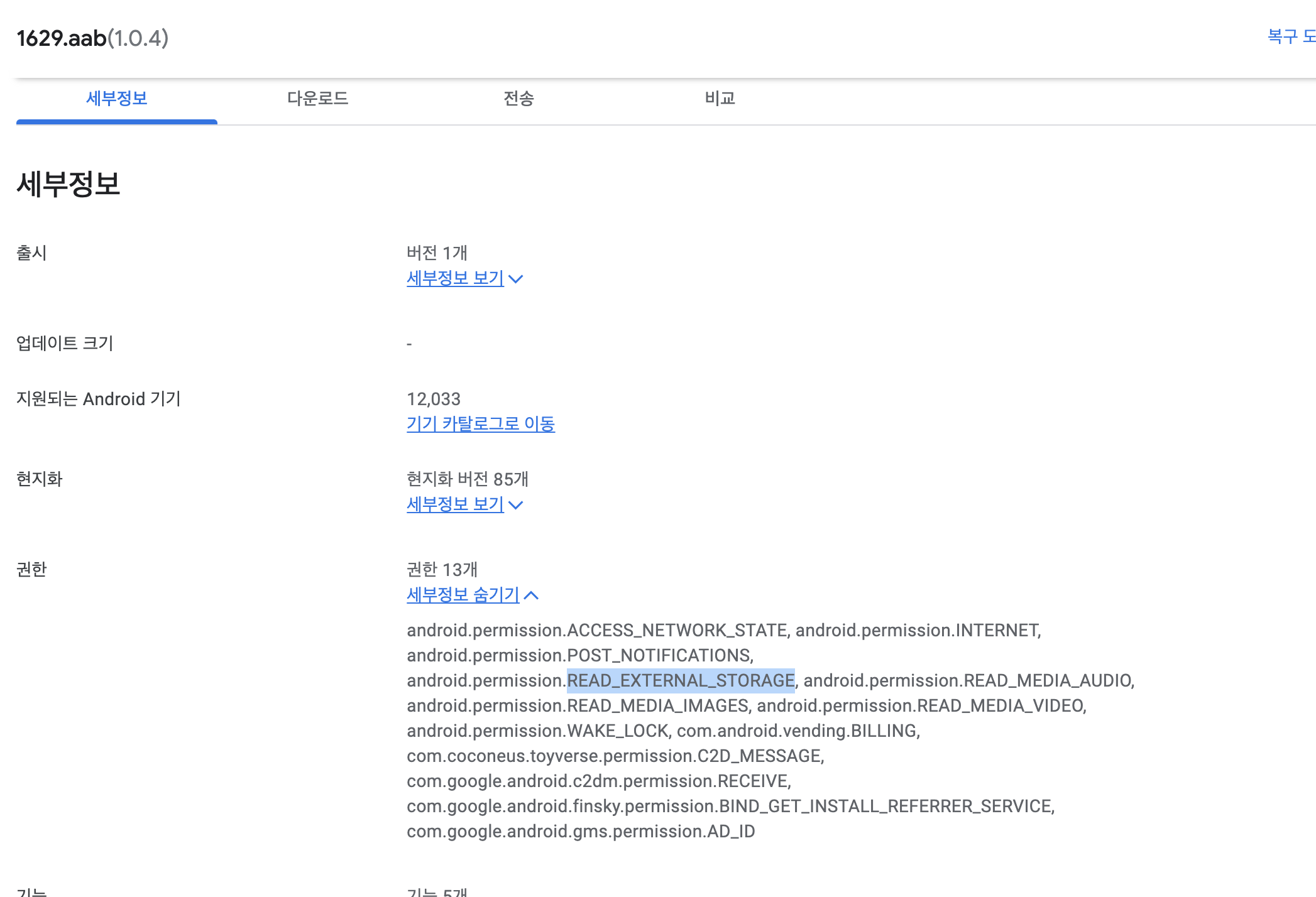
Root Cause Analysis
- First, I checked the
AndroidManifestfile, but there was no usage of that permission. I searched the entire project to see where it was being used…
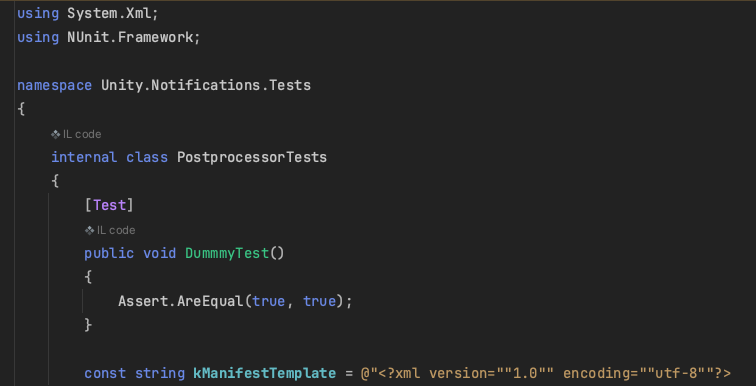
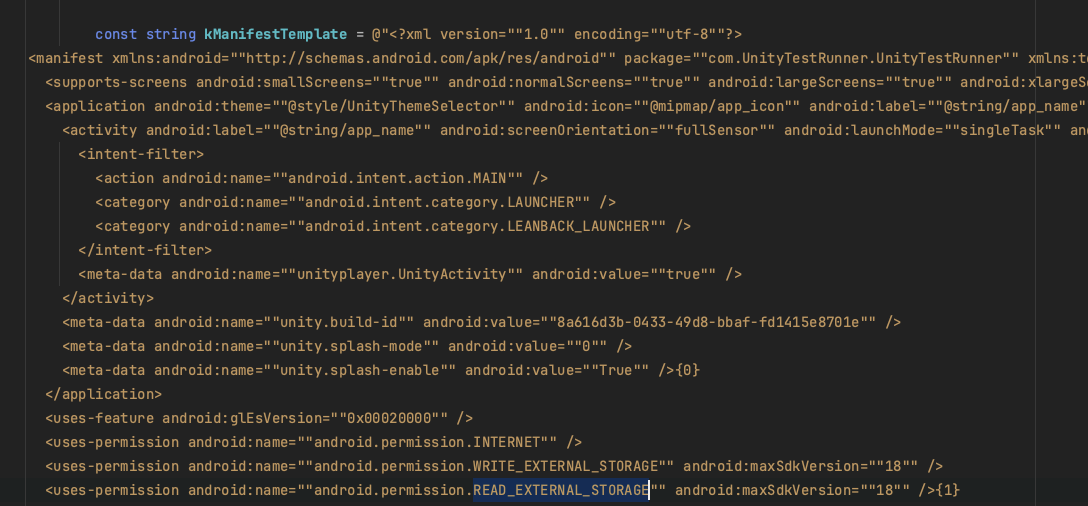
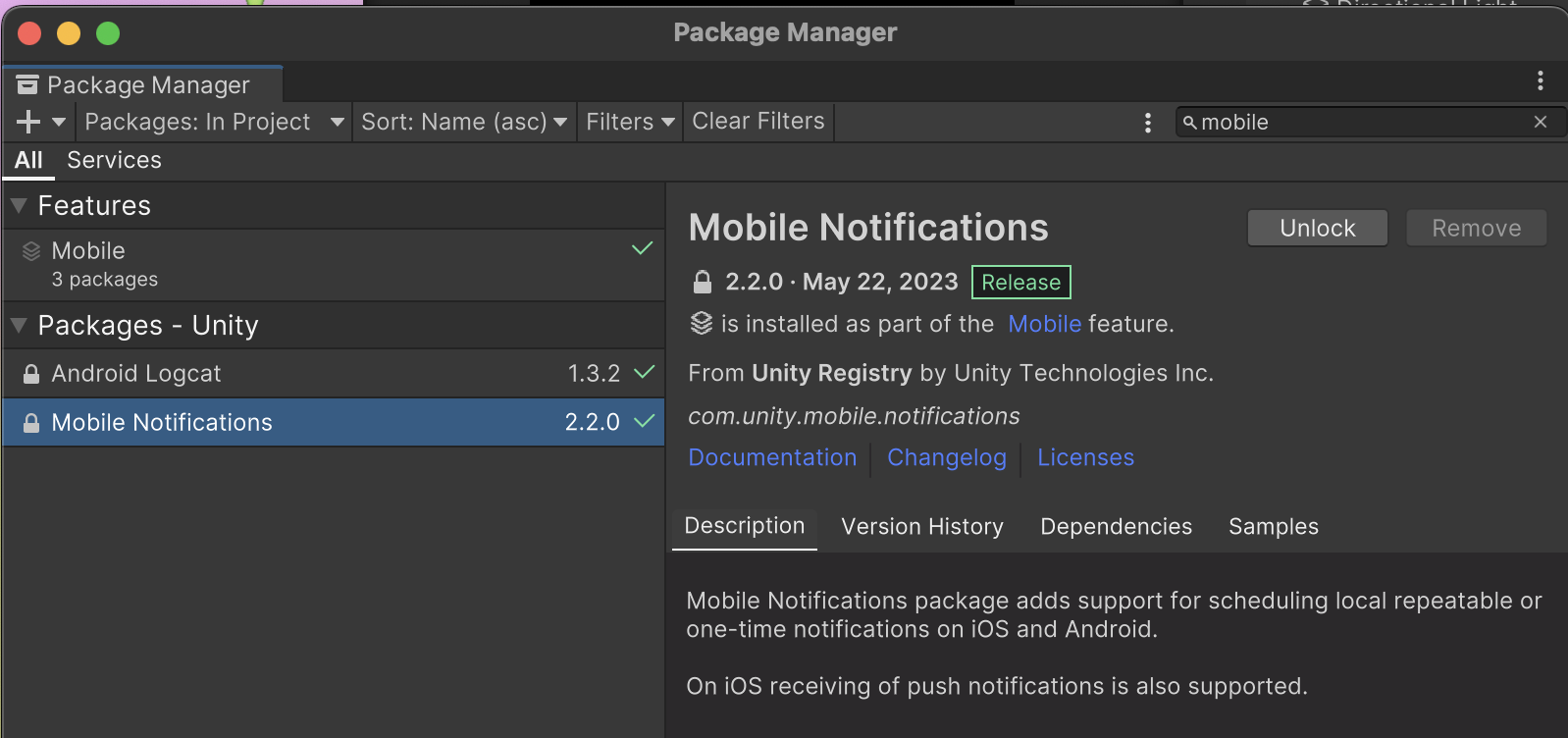
- I found a Unity package cache file called
PostprocessorTests, an internal class ofUnity.Notifications.Tests. It turned out this class inside the Mobile Notification package was using that permission.
Solution
- Check if the permission you want to remove exists in the
AndroidManifestfile. In my case, it wasREAD_EXTERNAL_STORAGE. - Use the “Find in Files” feature in your IDE (Rider or Visual Studio) to search for the permission string and verify if it’s being used anywhere.
- Permission Example:
1
2
3
4
5
<uses-permission android:name="android.permission.READ_MEDIA_IMAGES" android:minSdkVersion="33" />
<uses-permission android:name="android.permission.READ_MEDIA_VIDEO" android:minSdkVersion="33" />
<uses-permission android:name="android.permission.READ_MEDIA_AUDIO" android:minSdkVersion="33" />
<uses-permission android:name="android.permission.WRITE_EXTERNAL_STORAGE" android:maxSdkVersion="32" />
<uses-permission android:name="android.permission.READ_EXTERNAL_STORAGE" android:maxSdkVersion="32" />
- If there is a permission you want to remove, delete it boldly.
- However, since it might be included in Unity packages or plugins, you must handle it explicitly.
- You can resolve this by explicitly specifying
remove.1
<uses-permission android:name="android.permission.READ_EXTERNAL_STORAGE" tools:node="remove" />
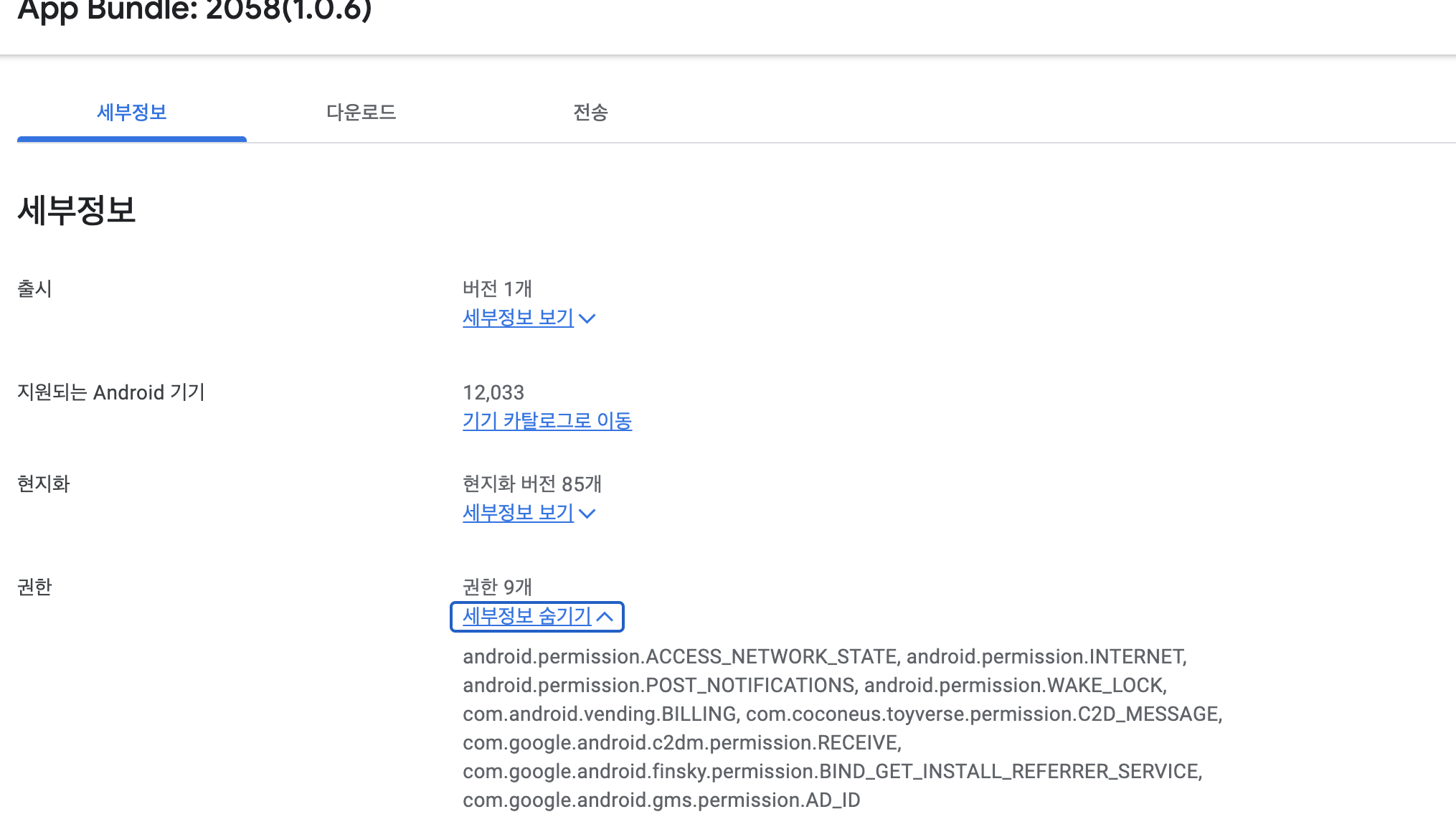
- Result:
This post is licensed under CC BY 4.0 by the author.