
Unity Animator Controller - How to Use Override Controller

Unity Animator Controller - How to Use Override Controller

Table of Contents
1. Animator Override Controller overview
2. How to use Animator Override Controller
3. How to control Animator Override Controller by script
4. How to control Animation Event by script
5. How to control Animator Controller parameters in code
Animator Override Controller
1. Advantages of Animator Override Controller
- You can override animation clips in current avatar controller.
- If you have many weapon variations and want separate attack/move/idle clips per weapon, or want many dance clips on one dance state, this is very convenient.
- Because clips can be swapped dynamically, you don’t need to manually edit animator states one by one.
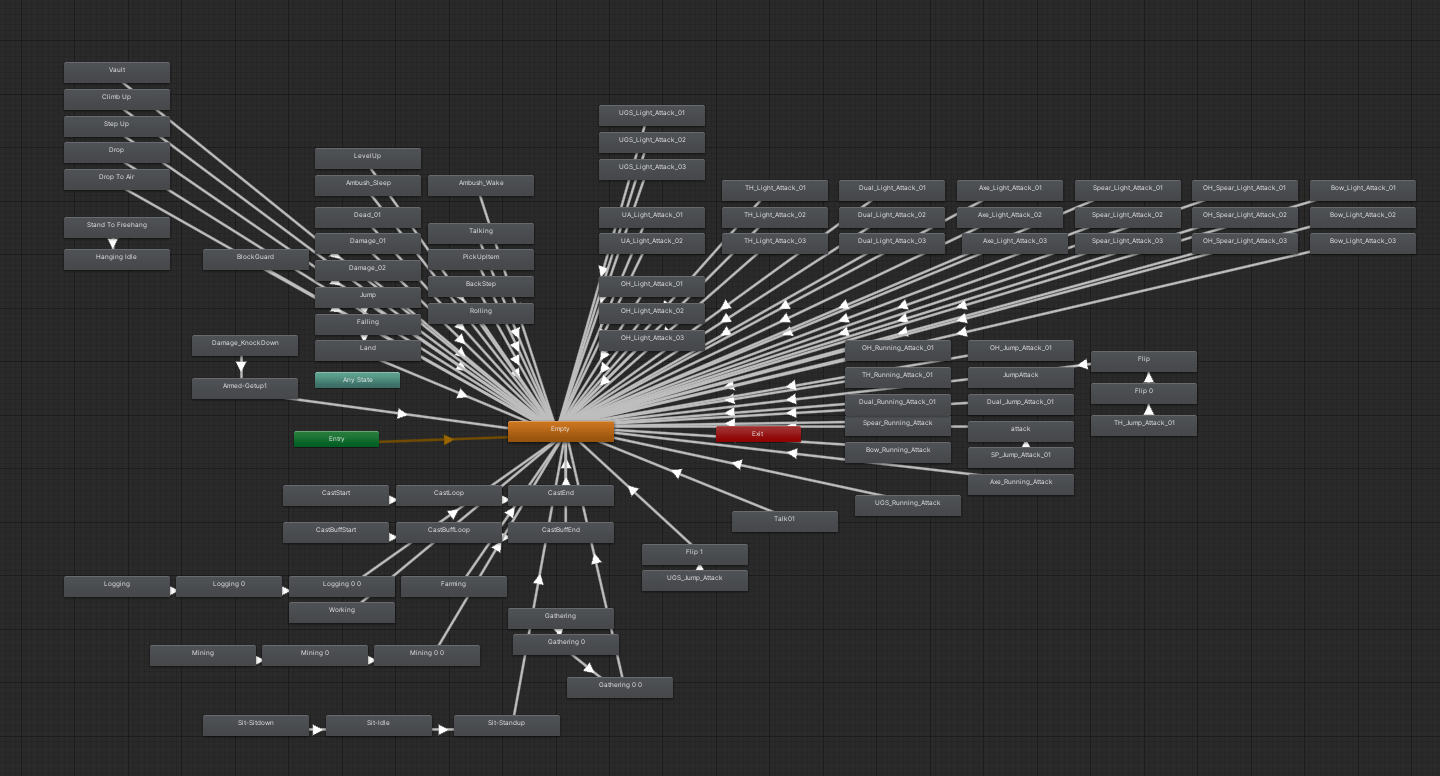
- Before applying Animator Override Controller
Animator becomes chaotic if you expand states for every weapon variation. This quickly becomes unmanageable.
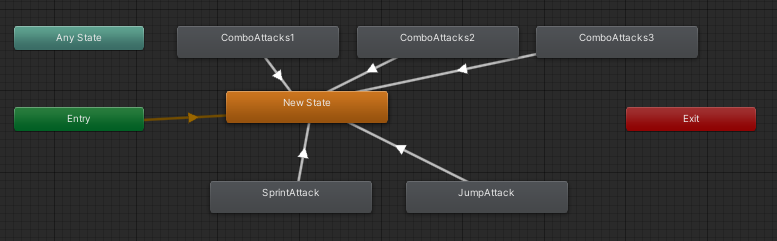
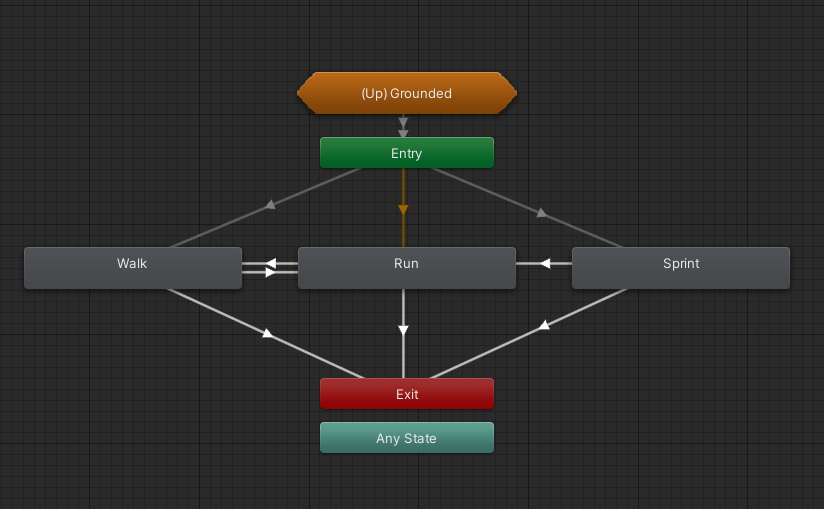
- After applying Animator Override Controller
For example, in
ComboAttack1, previously you had to create states for axe/spear/one-hand/two-hand swords separately.
With Override Controller, one state can map multiple weapon clips.
2. How to use Animator Override Controller
- First create Animator Override Controller asset in editor and assign base controller.
- Then assign target animation clips.
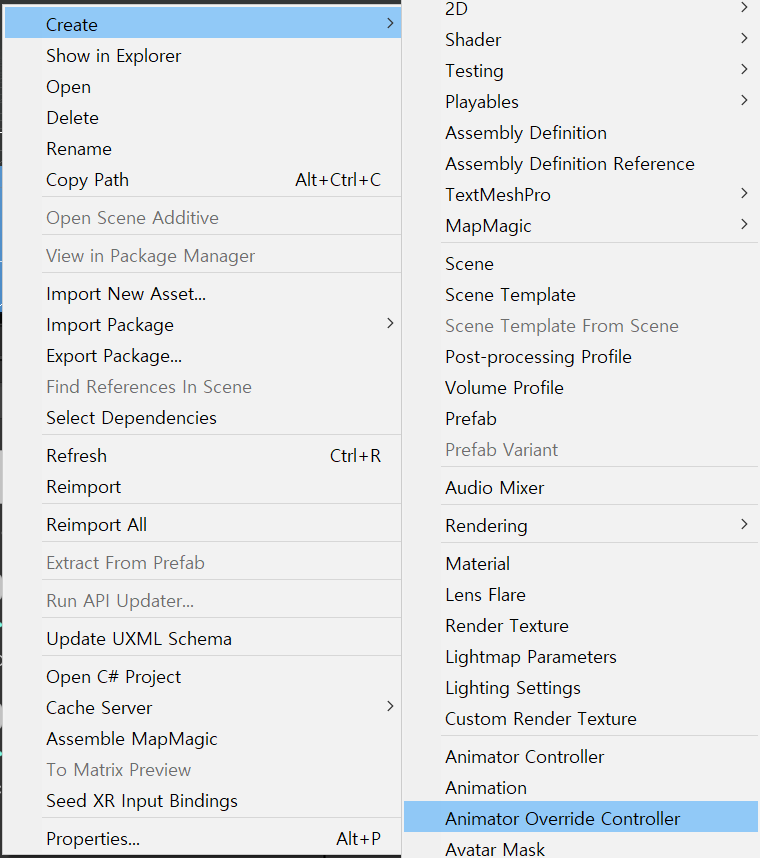
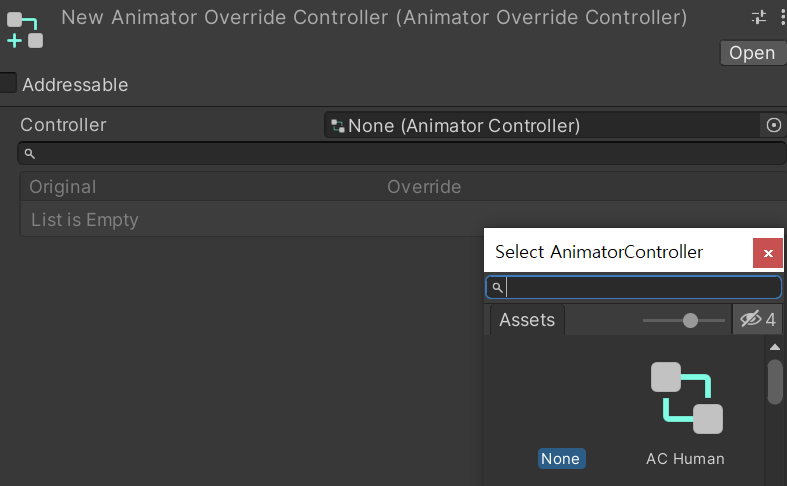
- In my case, I assigned the character Animator Controller and overrode clips for all animation states defined in that controller.
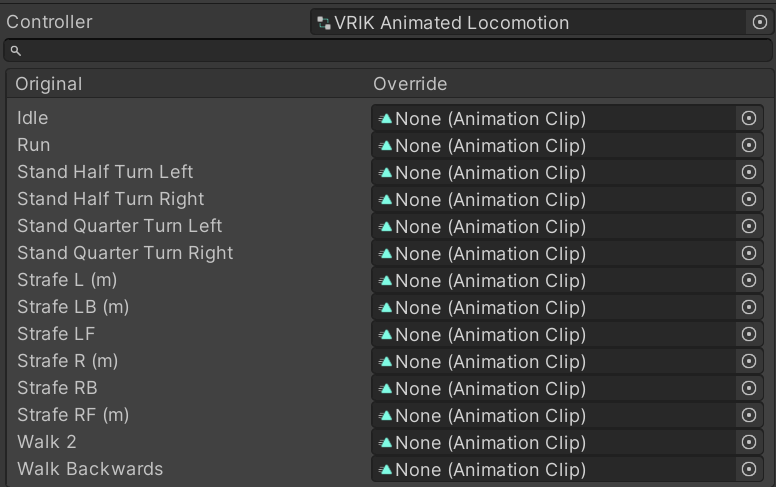
3. How to control Animator Override Controller by script
- Create/assign AnimatorOverrideController variable, assign current Animator’s
runtimeAnimatorController, then override clip names.
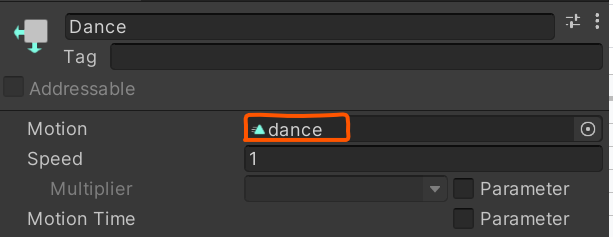
- Not the Animator state name:
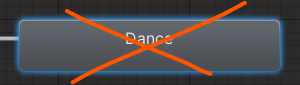
- Use as key the name of the Animation Clip assigned to that state.
Script examples
- Cache
animatorOverrideController
1
2
3
4
5
6
    void Start()
    {
        animatorOverrideController = new AnimatorOverrideController(animator.runtimeAnimatorController);

        animator.runtimeAnimatorController = animatorOverrideController;
    }
- Find animation clip name and override it
GetAnimationClipbelow returns clip from data table through Addressables.- Assign returned clip into override key.
1
2
var animClip = await Managers.DataMgr._toyAnimationData[index_].GetAnimationClip();
animatorOverrideController["common@forspecialaction"] = animClip;
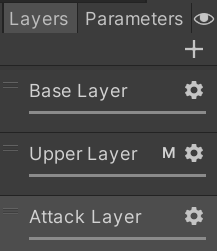
- How to check current state timing to prevent triggering before animation fully ends
Parameter of
GetCurrentAnimatorStateInfo(int i)means layer index. Useful for checking state name or normalized time.
1
2
3
4
5
6
7
8
9
if (fsm.Animator.GetCurrentAnimatorStateInfo(0).IsName("Dance"))
{
    // do something
}

if(fsm.Animator.GetCurrentAnimatorStateInfo(0).normalizedTime < 1.0f)
{
    // do something
}
4. How to control Animation Event by script
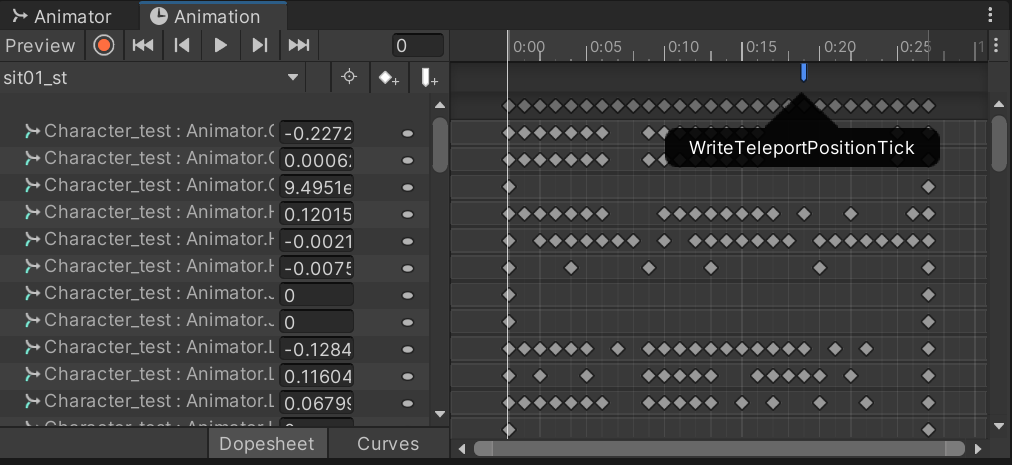
- There are two methods: assign animation events manually in editor, or create/assign them dynamically by script.
- Editor method
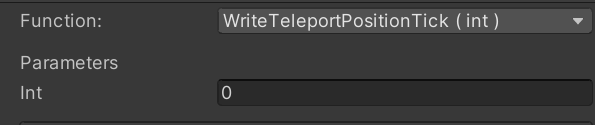
- Traditional workflow is opening each Animation Clip, adding event point, and assigning function.
- Script method
- Dynamically create AnimationEvent,
- assign
event.time,event.functionName,event.xxxParameter, - then register via
animationClip.AddEvent(event).

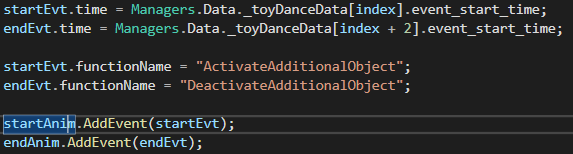
- Functions assignable to
functionName
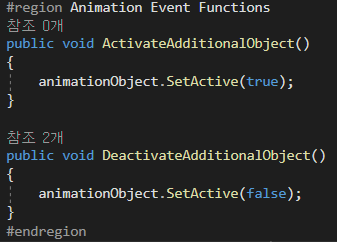
- Parameters like float/int/string can also be assigned dynamically.

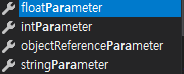
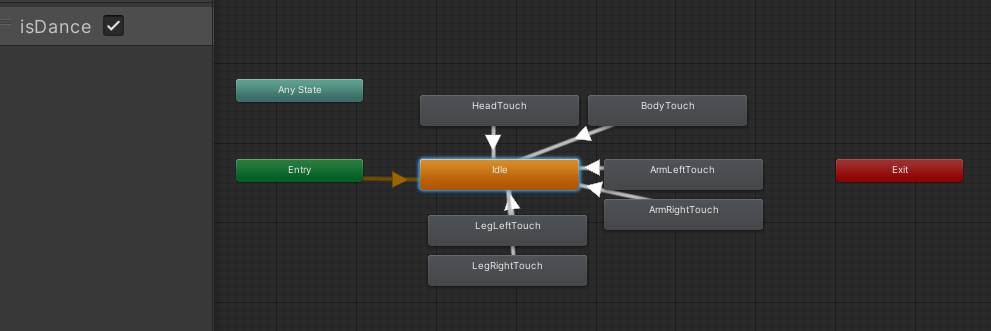
5. How to control Animator Controller parameters in code
- Like attaching mono scripts to GameObjects, scripts inheriting
StateMachineBehaviourcan be attached per state. - ex:
OnStateEnter,OnStateExit,OnStateIK,OnStateMove,OnStateUpdate

Code example
- When there are many animation states, or setting events one-by-one is difficult/impossible,
- you can handle transitions at enter/exit/update points and modify parameters.
- Example below: attach
ResetAnimationBoolto desired state and configure bool target + value. - On entering that state, it sets bool true/false accordingly.
1
2
3
4
5
6
7
8
9
10
11
12
13
14
15
16
17
using System.Collections;
using System.Collections.Generic;
using UnityEngine;
using UnityEngine.Animations;

public class ResetAnimationBool : StateMachineBehaviour
{
    public string isInteractingBool;
    public bool isInteractingStatus;

    public override void OnStateEnter(Animator animator, AnimatorStateInfo stateInfo, int layerIndex, AnimatorControllerPlayable controller)
    {
        base.OnStateEnter(animator, stateInfo, layerIndex, controller);
        animator.SetBool(isInteractingBool, isInteractingStatus);
    }
}
This post is licensed under CC BY 4.0 by the author.